01
Write with the project
Keep readable documents in the same workspace as the code they describe.
GPEditor for VS Code
Give your project documents a full editor. Stay in your IDE, keep your files open, and make the writing feel natural.
Get the VS Code extensionA full document editor. Markdown underneath.
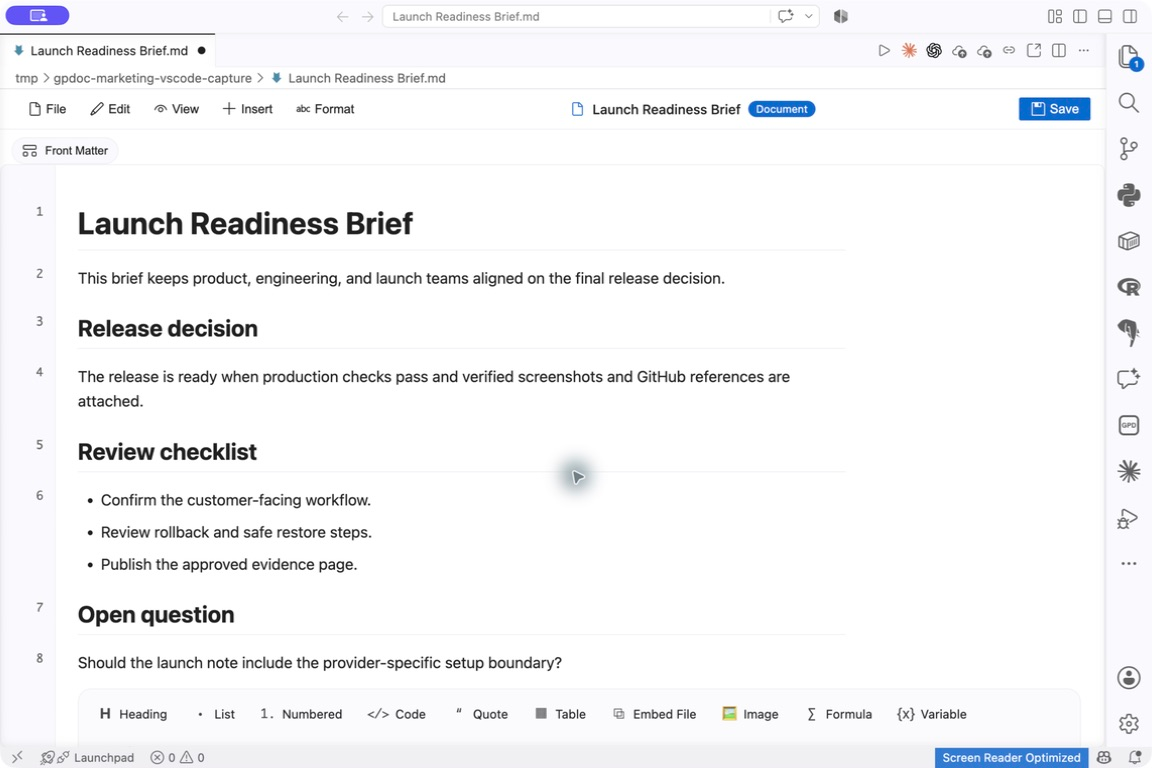
Historical VS Code reference capture · local Markdown file
Open full captureRendered capture selected.Real IDE capture of the GPDoc editor and an ordinary Markdown file, source 660e0e33. The original capture is preserved, including the application chrome.
Capture sources and original asset hashes01
Keep readable documents in the same workspace as the code they describe.
02
Work in the rendered editor, with the original Markdown ready for review.
03
Install from Visual Studio Marketplace, or use the verified Open VSX listing for compatible editors.
Start writing
Follow the extension listing for current VS Code compatibility and setup. Controls differ from the web and native clients.
Controls, rendering and sharing behavior vary by client.